Get started in three steps
Start with the free plan and upgrade from inside the app when you need more.
1. Download and install
Run the setup wizard on Windows or open the disk image on your Mac.
Download2. Sign in
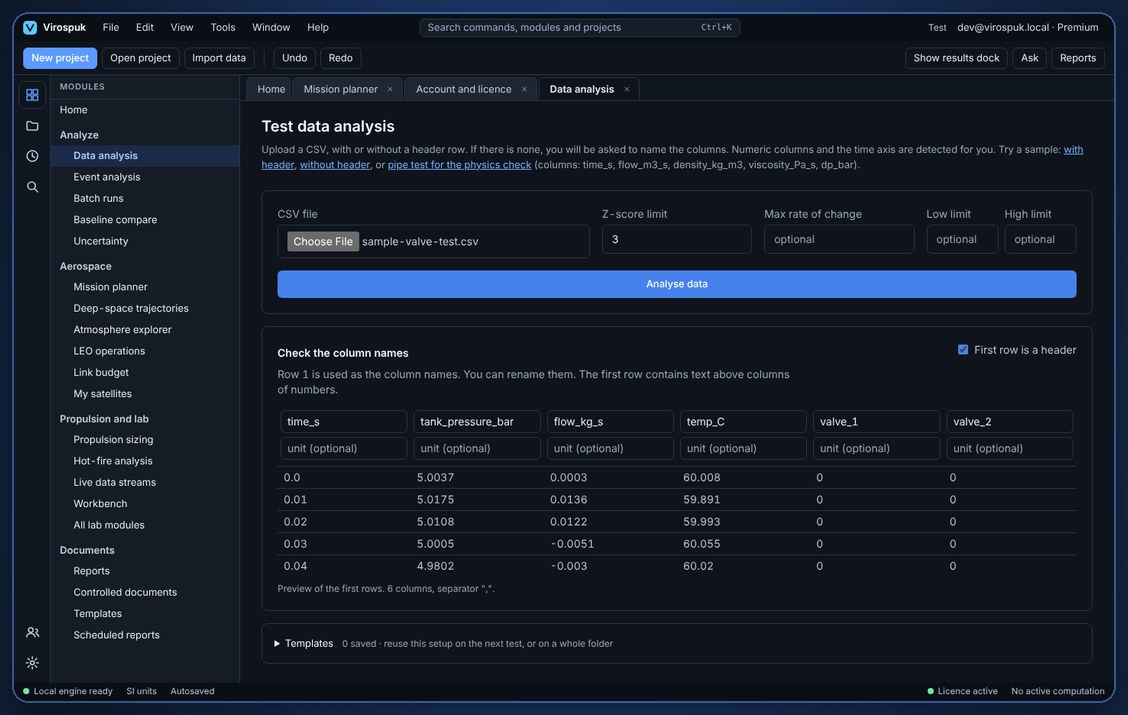
Open Account and licence in the app and sign in to unlock the plan you bought.
How it worksFrequently asked questions
Plans, installation, licensing and privacy.
Free includes data analysis, the atmosphere explorer, reports and the workbench. Pro adds event analysis, batch runs and baselines, uncertainty, propulsion sizing and hot-fire analysis, live data, LEO operations and scheduled reports. Premium adds the mission planner and deep-space trajectories. The pricing page lists every module by plan.
Pro and Premium are sold as one-year licences. When the year ends the app returns to the Free plan. Your projects and data stay on your computer and remain readable; you can renew at any time to unlock the paid modules again.
Each licence can be used on 2 devices at a time. If you change computers, contact us and we will help you move a seat.
Yes, on request. The Team plan includes everything in Premium plus shared team projects and invitations. Contact us with the number of seats you need.